เผยแพร่เมื่อ: 2023-07-24
อัปเดตเมื่อ: 2026-02-26
กระบวนการเปิดบัญชีซื้อขายฟอเร็กซ์ที่คล่องตัวไม่ได้เป็นเพียงแค่การกรอกแบบฟอร์มเท่านั้น แต่ยังส่งผลต่อความเร็วในการเข้าถึงตลาด ความปลอดภัยของเงินทุน และความถูกต้องแม่นยำในการตั้งค่าบัญชีของคุณตั้งแต่เริ่มต้น ในปี 2026 ขั้นตอนการเปิดบัญชีที่ดีที่สุดจะผสานรวมการตรวจสอบตัวตนอย่างเข้มงวดเข้ากับพอร์ทัลลูกค้าที่มีประสิทธิภาพ ช่วยให้เทรดเดอร์สามารถดำเนินการตั้งแต่การลงทะเบียนไปจนถึงการซื้อขายได้โดยมีอุปสรรคทางด้านการบริหารจัดการน้อยที่สุด

กระบวนการสมัครใช้บริการของ EBC Financial Group มีลำดับขั้นตอนที่ชัดเจน: ลงทะเบียนบนเว็บไซต์อย่างเป็นทาง
การ ยืนยันตัวตนผ่านพอร์ทัลลูกค้า สร้างบัญชีซื้อขายจริงหรือบัญชีทดลอง เติมเงินเข้าบัญชีโดยใช้วิธีการชำระเงินที่รอง
รับ จากนั้นเข้าสู่ระบบเพื่อทำการซื้อขายบนแพลตฟอร์มที่คุณเลือก
ประเด็นสำคัญ
การลงทะเบียนเริ่มต้นที่เว็บไซต์อย่างเป็นทางการของ EBC: สร้างบัญชีผู้ใช้โดยใช้การยืนยันอีเมล จากนั้นดำเนิน
การต่อโดยตรงไปยังพอร์ทัลลูกค้า
คุณเลือกการตั้งค่าบัญชีซื้อขายเมื่อสร้างบัญชี: เลือกแพลตฟอร์ม ประเภทบัญชี สกุลเงินบัญชี เลเวอเรจ และตั้งรหัส
ผ่านหลักและรหัสผ่านนักลงทุน
EBC รองรับเทอร์มินัล Metatrader ทั้งสองแบบ: หลังจากเติมเงินแล้ว ให้เข้าสู่ระบบโดยใช้ข้อมูลประจำตัวการซื้อ
ขายของคุณและเริ่มทำการซื้อขาย
โปรดทราบข้อจำกัด: ความพร้อมใช้งานและการคุ้มครองแตกต่างกันไปตามหน่วยงานและเขตอำนาจศาล และการ
ซื้อขาย CFD/ฟอเร็กซ์มีความเสี่ยงสูงเนื่องจากเลเวอเรจ
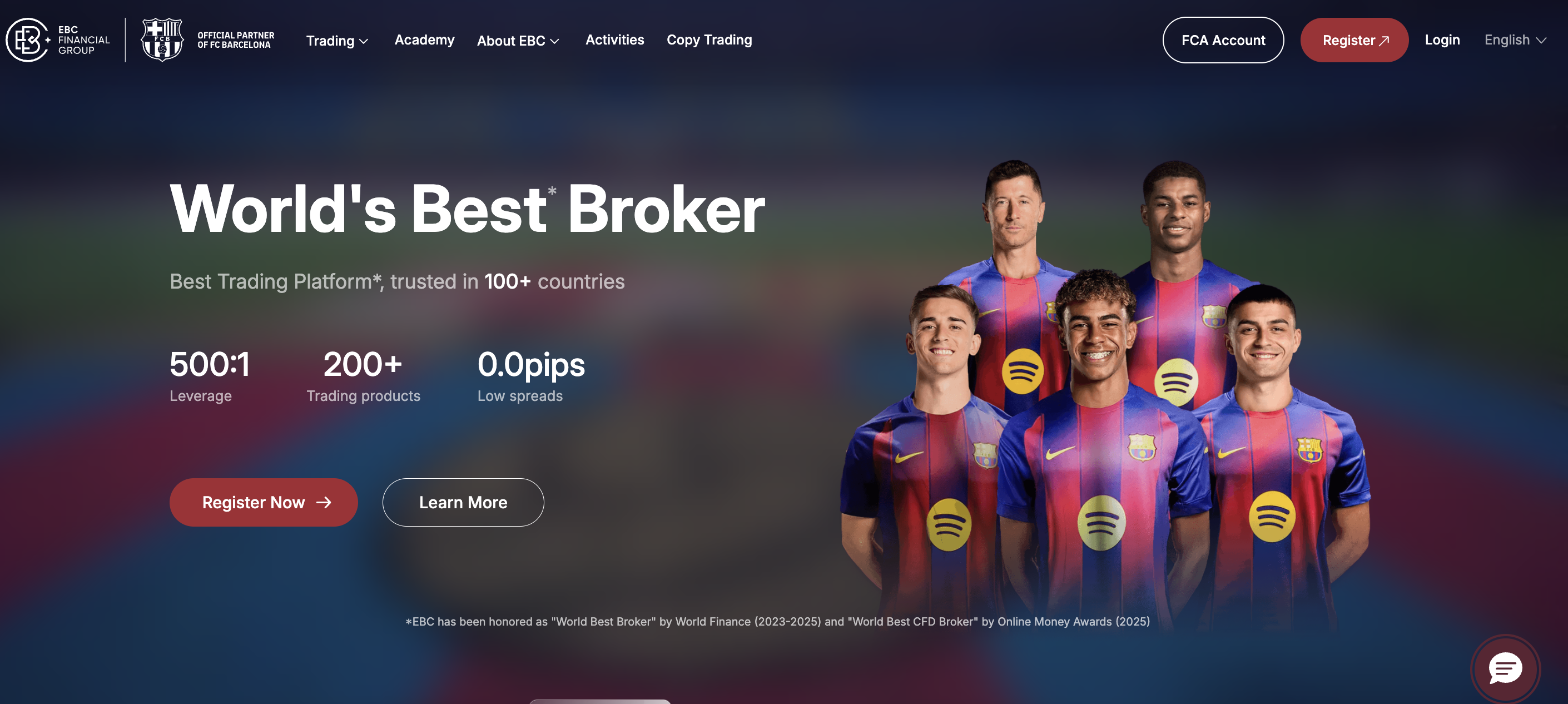
ขั้นตอนที่ 1: ลงทะเบียนบัญชี
เริ่มต้นที่เว็บไซต์อย่างเป็นทางการของ EBC Financial Group และเลือก "ลงทะเบียน" คุณจะต้องกรอกรายละเอียด
สำคัญ เช่น อีเมลและหมายเลขโทรศัพท์ คู่มือของ EBC เน้นขั้นตอนการยืนยันอีเมล ซึ่งคุณจะต้องขอรหัส ตั้งรหัสผ่าน
และส่งการลงทะเบียน เมื่อเสร็จสิ้น คุณจะถูกนำไปยังหน้าแรกของพอร์ทัลลูกค้า
สิ่งที่ต้องเตรียมก่อนเริ่มต้น
อีเมลที่ใช้งานได้และเข้าถึงได้ทันที
หมายเลขโทรศัพท์ที่สามารถยืนยันได้ในภายหลังผ่านทางพอร์ทัล
รายละเอียดส่วนบุคคลที่ตรงกับเอกสารประจำตัวของคุณ
ความถูกต้องแม่นยำเป็นสิ่งสำคัญในขั้นตอนนี้ โดยทั่วไปแล้ว ความล่าช้าในการลงทะเบียนส่วนใหญ่เกิดจากความไม่ตรง
กันของชื่อ รูปแบบที่อยู่ที่ไม่สอดคล้องกัน หรือการตรวจสอบข้อมูลติดต่อที่ไม่สมบูรณ์ ควรพิจารณาการลงทะเบียนเป็นข้อ
กำหนดด้านการปฏิบัติตามกฎระเบียบมากกว่าเป็นเพียงเอกสารทั่วไป
ขั้นตอนที่ 2: ดำเนินการตรวจสอบตัวตนในพอร์ทัลลูกค้า
หลังจากลงทะเบียนแล้ว กระบวนการของ EBC จะดำเนินการต่อในขั้นตอนการตรวจสอบ KYC ในพอร์ทัล หน้าต่างการ
ตรวจสอบจะแจ้งให้คุณคลิก เริ่มการตรวจสอบ เลือกประเภทเอกสาร และอัปโหลดรูปภาพที่จำเป็น สำหรับเอกสารประจำ
ตัว EBC กำหนดให้ต้องอัปโหลดด้านหน้าและด้านหลังแยกกัน เพื่อให้แน่ใจว่ารายละเอียดทั้งหมดชัดเจนและอ่านได้
จากนั้นคุณป้อนข้อมูลที่จำเป็นและดำเนินการลงนามเอกสารการปฏิบัติตามกฎระเบียบทางอิเล็กทรอนิกส์ และเสร็จสิ้น
ด้วยการส่งการยืนยัน
ขั้นตอนที่ 3: สร้างบัญชีทดลองหรือบัญชีซื้อขายจริง
เมื่อขั้นตอนการตรวจสอบเสร็จสมบูรณ์ คุณสามารถกลับไปยังหน้าแรกของพอร์ทัลและสร้างบัญชีทดลองหรือบัญชีซื้อขาย
จริงได้ หน้าจอการสร้างบัญชีของ EBC ช่วยให้คุณตั้งค่าพารามิเตอร์หลักที่กำหนดวิธีการซื้อขายของคุณ:
Trading platform
Account type
Account currency
Leverage
Master (trading) password and Investor (read-only) password
These settings have significant operational implications. Rushing this stage may result in selecting an account configuration that does not align with your risk profile or trading strategy.
For new users, a demo account provides an effective means to become familiar with the platform, practice order placement, and determine position sizing before committing real capital.
Deposits are handled inside the User Portal. EBC’s deposit instructions are clear:
Log in to the portal
Navigate to My Assets → Deposit
Choose a deposit method
Select the deposit account, enter the amount, and click Confirm Payment
Complete the transaction on the redirected payment page
EBC also provides a comprehensive overview of deposits and withdrawals, highlighting multi-currency access, instant deposits, and a zero-fee policy for both.
Deposit and Withdrawal Options
Supported methods include local banks, international wire transfers, digital wallets, and credit cards, with varying processing times and limits.
| Method | Supported currencies (examples) | Single deposit limit (USD) | Deposit processing time | Withdrawal processing time |
|---|---|---|---|---|
| Local banks | CNY, THB, VND, IDR, JPY, PHP, COP, BRL, MXN, ARG, PEN and more | 10–43,000 | 15 minutes to 1 hour | 1 working day |
| International wire | USD / EUR / GBP | 1,000–200,000 | 3–5 working days | 1 working day |
| Digital wallets | USD | 50–10,000 | Instant | 1 working day |
| Credit card (VISA/Mastercard) | USD | 50–5,000 | Instant | 3–7 working days |
EBC also provides support instructions for deposits that are not received after the expected window, directing clients to contact customer service or email a transaction reference and payment screenshot for assistance.
After funding and account setup, you can log in and begin trading. EBC confirms support for both MT4 and MT5 trading terminals and provides dedicated download access for each.
EBC’s “start trading” checklist summarises the journey as: register, verify personal information, open a trading account and deposit, then log in to trade.
At this point, the practical priority is correct login and environment setup:
Confirm you are using the correct server and credentials
Configure risk controls (default lot size, stop-loss habits, alerts)
| Category | Forex pairs available to trade on EBC |
|---|---|
| Majors | EURUSD, GBPUSD, USDJPY, USDCAD, AUDUSD, NZDUSD, USDCHF |
| Liquid crosses | EURJPY, GBPJPY, EURGBP, EURAUD |
| Selected EM pairs | USDCNH, USDMXN, USDSGD, USDZAR |
An effective onboarding process serves two primary objectives: safeguarding clients through verification and segregation standards, and minimizing obstacles to disciplined trading execution. EBC supports its operational approach with published disclosures regarding regulation, client protections, and risk.
EBC’s security disclosure lists multi-jurisdictional regulation, including FCA (UK) reference 927552, CIMA (Cayman) reference 2038223, ASIC (Australia) reference 500991, and FSCA (South Africa) reference 51541.
It also outlines protection frameworks, including FSCS eligibility disclosures (up to £85,000 for eligible claims connected to an FCA-regulated firm), segregation statements, and additional coverage structures and insurance disclosures across entities.
Just as important, EBC explicitly states that the website is not entity-specific, and that rights and obligations depend on the entity and jurisdiction you choose. It also publishes regional restrictions and a risk warning on CFDs and forex due to leverage.
Register on EBC’s official website
Complete verification in the client portal
Create your live or demo trading account
Fund through My Assets → Deposit
Log in on MT4 or MT5 and begin trading
The fastest path is the most disciplined one. Use accurate personal details, upload clear documentation, and configure your trading account properly before placing your first order.
Registration is completed online, but approval timing depends on verification completion and document checks. The practical determinant is document quality and consistency between your submitted information and your ID.
Deposits are initiated inside the User Portal under My Assets → Deposit. You choose a deposit method, select the deposit account, enter the amount, confirm payment, and then complete the payment on the redirected page.
EBC supports MT4 and MT5 trading terminals and provides download access for both. Your trading account settings in the portal determine which platform you log in to.
EBC states that availability depends on the entity and jurisdiction you choose, and it lists regional restrictions for certain jurisdictions. Always confirm eligibility during onboarding.
The contemporary process for opening a forex account balances efficiency with robust safeguards. EBC Financial Group’s most recent workflow is straightforward: register on the official website, complete identity verification within the client portal, create a demo or live account with your chosen settings, deposit funds through the User Portal, and then log in to MT4 or MT5 to begin trading.
Before you proceed, treat the final step as the most important: risk control. EBC’s own disclosures emphasise that CFDs and leveraged forex trading carry a high risk of rapid losses, and that rights and obligations vary by entity and jurisdiction. Build your account correctly, fund responsibly, and trade with defined limits from the first position.
Disclaimer: This material is for general information purposes only and is not intended as (and should not be considered to be) financial, investment or other advice on which reliance should be placed. No opinion given in the material constitutes a recommendation by EBC or the author that any particular investment, security, transaction or investment strategy is suitable for any specific person.